
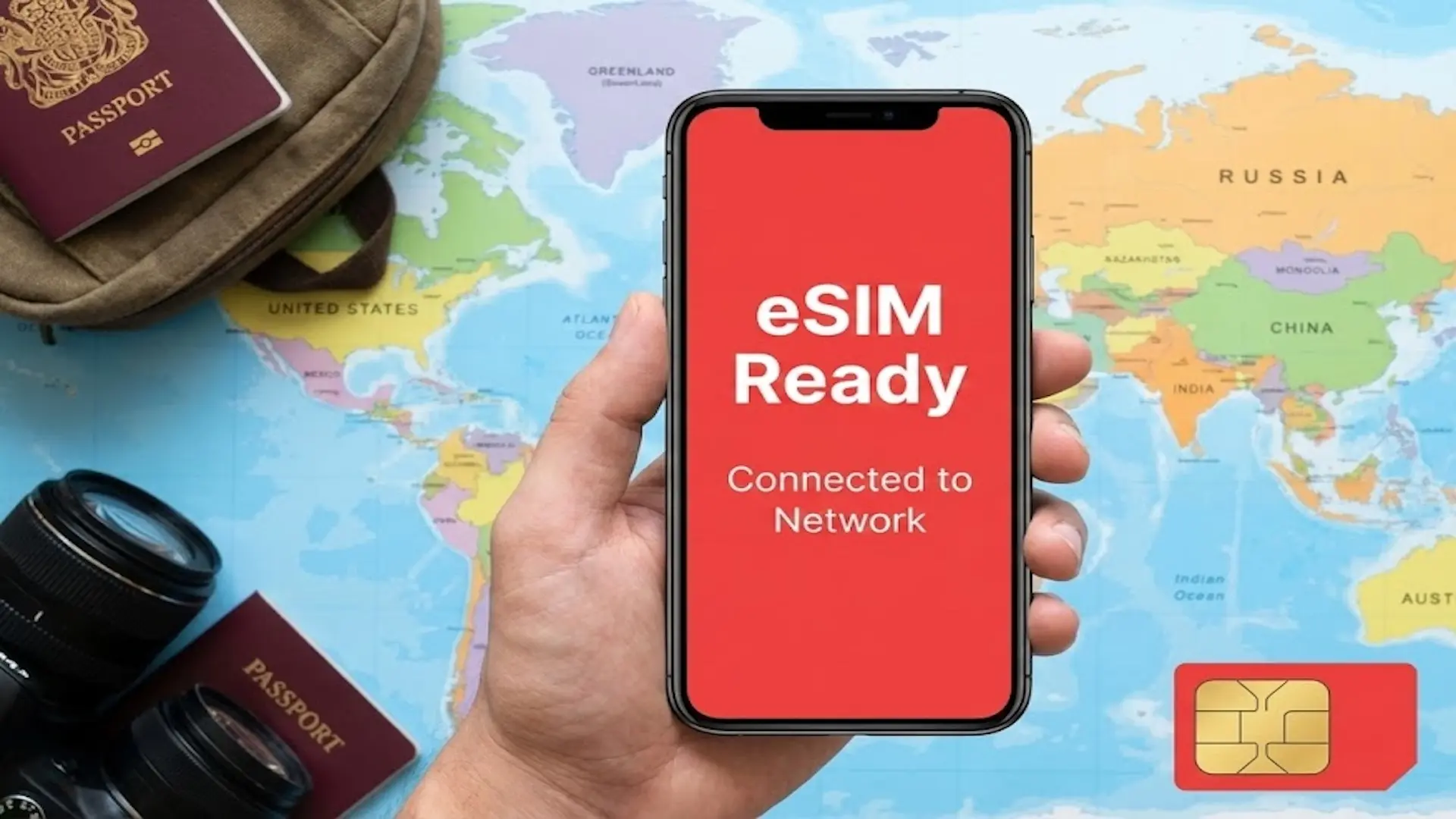
 eSIM Guides
February 15, 20264 min
Is My Phone eSIM Compatible? Check in 2 Seconds (2026 List)
Four reliable methods to quickly check if your smartphone supports eSIM (simulator, settings, #06# code, etc.)

What is an EID number? The EID number (EID stands for Embedded Identity Document) is the unique identifier, a kind of unique digital code, of the eSIM chip in your phone.
Think of it as the serial number of your eSIM: it is 32 digits long, never changes, and lets carriers identify your device when they install an eSIM profile.
In this article, we look at what the EID code is for and how the EID number is used day to day, how to find your EID, locate it and check it in a few seconds on iPhone, Samsung, Google Pixel, OnePlus, Motorola and your smartwatch, what to do if the EID doesn't show up, and the difference between EID, IMEI and SIM card number.


SOUTH KOREA
active
20 Go
remaining
Operator
SKTelecom, LGU+
Expires
In 3d • Jun 12
Top up

THAILAND
active
20 Go
remaining
Operator
AIS
Expires
In 3d • Jun 12
Top up

JAPAN
active
20 Go
remaining
Operator
NTT docomo
Expires
In 3d • Jun 12
Top up
No blocked apps
Tethering enabled
24/7 customer support
No blocked apps
Tethering enabled
24/7 customer support
Travel abroad with confidence: no more roaming fees, connection struggles, or unexpected top-ups. With a travel-friendly eSIM, stay connected everywhere, stress-free and surprise-free.
The EID number identifies the eSIM chip itself, which the GSMA standard calls the eUICC. It is the foundation of eSIM technology: thanks to it, a carrier can remotely send an eSIM profile to the right device, and to no other. Whether you use a SIM or an eSIM, your mobile service works the same way; only the installation method changes.
In practice, the EID number is used to:
Why should you know your EID number? Most of the time, you'll never need it: the QR code or your provider's app passes the information along in the background. But some carriers ask for your EID number for a manual activation, a phone switch, troubleshooting or a help center request. Writing it down once and for all, in a secure note, saves you time the day someone asks for it, especially when you're traveling abroad.
With voilà eSIM, you don't have to share it: you buy your data plan for your destination, tap “Install eSIM” in the app and the eSIM downloads on its own, or you scan the QR code sent by email. No subscription, no technical setup, and you keep your hotspot working just like with your usual plan. voilà eSIM offers excellent value for money, an easy-to-install eSIM, an easy-to-use app, and 24/7 human customer support if anything goes wrong.
How do you find your EID? The fastest way to get your full number: open the Phone app and dial the **code *#06#**, which works on iPhone as well as on Android devices. On most eSIM-compatible smartphones, the screen shows the IMEI and, just below it, the EID number. If nothing appears, follow the steps for your brand below: each manufacturer puts this information in its own menus.
Every eSIM-compatible iPhone, from the iPhone XS and XR onward, shows this line.
This is the most common path to locate the EID on a recent Samsung Galaxy. On some Galaxy models, the EID is under “SIM card status”. It is also printed on the box label.
Google also states that the EID number is printed on the Pixel's box.
Menus vary depending on the OxygenOS version. If you can't find the EID on Android, type “EID” in the Settings search bar and press Enter.
A watch with a cellular option has its own eSIM chip, and therefore its own EID number, different from your phone's. Handy to know: this is the number the carrier uses to connect the watch to your main line.
Your EID number doesn't appear? A missing EID is rarely a serious error and almost always comes down to one of these causes, each with its fix:
Check in a few seconds whether your smartphone supports eSIM, before you buy your plan.
If your phone does show an EID but the eSIM won't install, or an error message appears, follow our help to install an eSIM on iPhone or on Android, step by step. At voilà eSIM, human support also answers you on WhatsApp, 24/7: a real person, available even in the middle of the night on the other side of the world.
Your EID number isn't top secret, but it's not something to post publicly either. Here's what you need to know to stay safe:
With voilà eSIM, you install your eSIM directly from the app, without sending your EID number to anyone. And if you use the QR code sent by email, keep it to yourself.
EID, IMEI, SIM cards: people often mix them up, and it's a frustrating experience when a carrier asks for the wrong number. Three numbers, three roles. The EID number identifies the eSIM chip, the IMEI identifies the phone, and the ICCID (the SIM card number) identifies your line.
| Number | What it identifies | Length | Does it change? |
|---|---|---|---|
| EID | The eSIM chip (eUICC) | 32 digits | Never |
| IMEI | The phone | 15 digits | Never |
| ICCID (SIM number) | The physical SIM card or the eSIM profile | Usually 19 or 20 digits | With every new SIM or eSIM |
Key takeaway: you can install and delete as many eSIM profiles as you like, and the EID number stays the same, even when you reset the phone. To learn more about how the chip works, read what an eSIM is.
SOUTH KOREA
active
20 Go
remaining
Operator
SKTelecom, LGU+
Expires
In 3d • Jun 12
Top up
THAILAND
active
20 Go
remaining
Operator
AIS
Expires
In 3d • Jun 12
Top up
JAPAN
active
20 Go
remaining
Operator
NTT docomo
Expires
In 3d • Jun 12
Top up
No blocked apps
Tethering enabled
24/7 customer support
No blocked apps
Tethering enabled
24/7 customer support
Travel abroad with confidence: no more roaming fees, connection struggles, or unexpected top-ups. With a travel-friendly eSIM, stay connected everywhere, stress-free and surprise-free.
Rony is our in-house travel-connected expert. Always curious and never too far from an airport, he explores the latest destinations while testing the newest eSIM solutions. He signs our articles on travel and mobile technology, with a single mission: to turn his discoveries into clear, reliable, and smart advice to accompany you anywhere in the world.
See all articleseSIM GuidesFour reliable methods to quickly check if your smartphone supports eSIM (simulator, settings, #06# code, etc.)
 eSIM Guides
To set up an eSIM on your phone: Settings > Cellular Data > Add an eSIM Card. Installation takes just a few clicks.
 eSIM Guides
Find out how an eSIM with a phone number works: calls, texts, activation, pricing, and use while traveling.