
 eSIM Guides
October 29, 20255 min
How do I install an eSIM?
To set up an eSIM on your phone: Settings > Cellular Data > Add an eSIM Card. Installation takes just a few clicks.

Want to know if your phone is eSIM compatible? In this article, you'll discover the 4 most reliable methods for checking the compatibility of your smartphone (Android or iPhone).
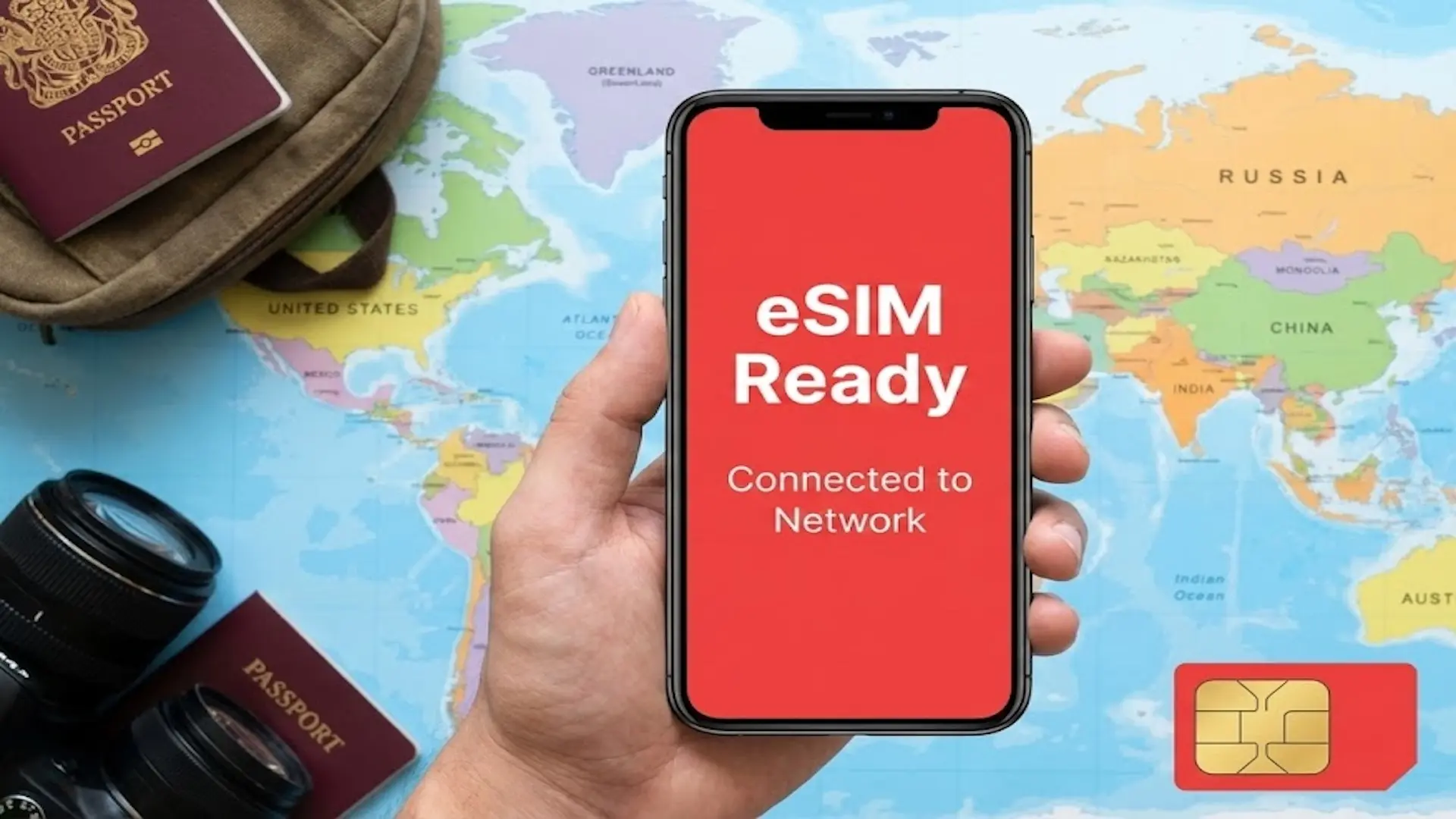
At voilà, we have developed an ultra-simple eSIM simulator to instantly find out if your phone is compatible.
Simply enter your smartphone model (Samsung, iPhone, Xiaomi, etc.) and the tool will tell you in 2 seconds flat whether your phone supports eSIM or not.
Enter your model and get the answer instantly
If you prefer to check manually, you can also consult the list of eSIM-compatible devices.
BRAND | COMPATIBLE MODELS (2026) |
|---|---|
Apple | iPhone XS/XR and all newer models (iPhone 11 to 17 series, SE 2020/2022 and later) |
Samsung | Galaxy S20 and newer, Z Flip/Fold series (from 2020), A54/A55/A56, and some high-end A models |
Google Pixel | Pixel 3 and newer (Pixel 4 to 10 series, note regional variants) |
Xiaomi | 12T Pro, 13/13T/14 series, Redmi Note 13 Pro+/14 Pro+ (check European variant) |
Huawei | P40, P40 Pro, Mate 40 Pro, Pura 70 Pro (not compatible with Chinese models) |
Motorola | Edge 40/50 series, Razr 40/50, Moto G54/G85, and recent high-end models |
OnePlus | OnePlus 11, 12, 13, and Open |
Oppo / Sony / Honor | Oppo Find X3/X5/X8 Pro, Reno 6 Pro+; Sony Xperia 1/5/10 IV and above; Honor Magic 4/5/6/7 Pro |

SOUTH KOREA
active
20 Go
remaining
Operator
SKTelecom, LGU+
Expires
In 3d • Jun 12
Top up

THAILAND
active
20 Go
remaining
Operator
AIS
Expires
In 3d • Jun 12
Top up

JAPAN
active
20 Go
remaining
Operator
NTT docomo
Expires
In 3d • Jun 12
Top up
No blocked apps
Tethering enabled
24/7 customer support
No blocked apps
Tethering enabled
24/7 customer support
Travel abroad with confidence: no more roaming fees, connection struggles, or unexpected top-ups. With a travel-friendly eSIM, stay connected everywhere, stress-free and surprise-free.
If you prefer to check directly from your smartphone, eSIM compatibility can be found in the settings. Here's how to do this depending on your device.
Follow these 4 simple steps:
If the eSIM option appears: your phone is compatible.
If nothing appears: your smartphone probably does not support eSIM.
On iPhone, the method is even simpler:
If one of these buttons appears: your iPhone is eSIM compatible.
There is a universal method for checking eSIM compatibility: dial the code #06# as if you were going to call a number.
If you see a number EID (Embedded Identity Document), your phone is 100% eSIM compatible.
If no EID appears, your smartphone does not support the technology.
SOUTH KOREA
active
20 Go
remaining
Operator
SKTelecom, LGU+
Expires
In 3d • Jun 12
Top up
THAILAND
active
20 Go
remaining
Operator
AIS
Expires
In 3d • Jun 12
Top up
JAPAN
active
20 Go
remaining
Operator
NTT docomo
Expires
In 3d • Jun 12
Top up
No blocked apps
Tethering enabled
24/7 customer support
No blocked apps
Tethering enabled
24/7 customer support
Travel abroad with confidence: no more roaming fees, connection struggles, or unexpected top-ups. With a travel-friendly eSIM, stay connected everywhere, stress-free and surprise-free.
SOUTH KOREA
active
20 Go
remaining
Operator
SKTelecom, LGU+
Expires
In 3d • Jun 12
Top up
THAILAND
active
20 Go
remaining
Operator
AIS
Expires
In 3d • Jun 12
Top up
JAPAN
active
20 Go
remaining
Operator
NTT docomo
Expires
In 3d • Jun 12
Top up
No blocked apps
Tethering enabled
24/7 customer support
No blocked apps
Tethering enabled
24/7 customer support
Travel abroad with confidence: no more roaming fees, connection struggles, or unexpected top-ups. With a travel-friendly eSIM, stay connected everywhere, stress-free and surprise-free.
Rony is our in-house travel-connected expert. Always curious and never too far from an airport, he explores the latest destinations while testing the newest eSIM solutions. He signs our articles on travel and mobile technology, with a single mission: to turn his discoveries into clear, reliable, and smart advice to accompany you anywhere in the world.
See all articleseSIM GuidesTo set up an eSIM on your phone: Settings > Cellular Data > Add an eSIM Card. Installation takes just a few clicks.
 eSIM Guides
Find out how an eSIM with a phone number works: calls, texts, activation, pricing, and use while traveling.
 Reviews
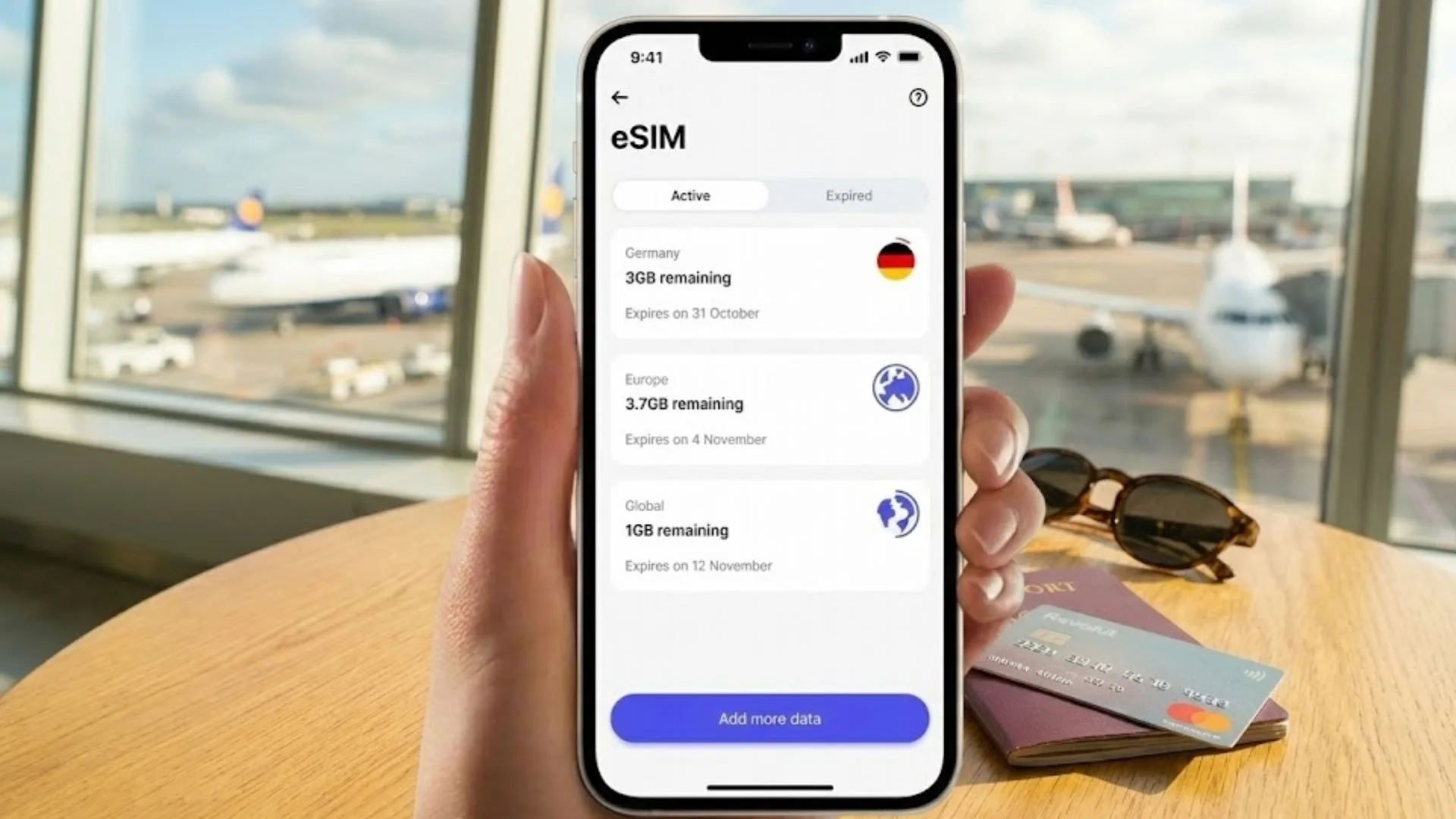
Revolut eSIM Review: Is Revolut's eSIM actually worth it for travel? We break down how it works, pros, cons, and pricing...