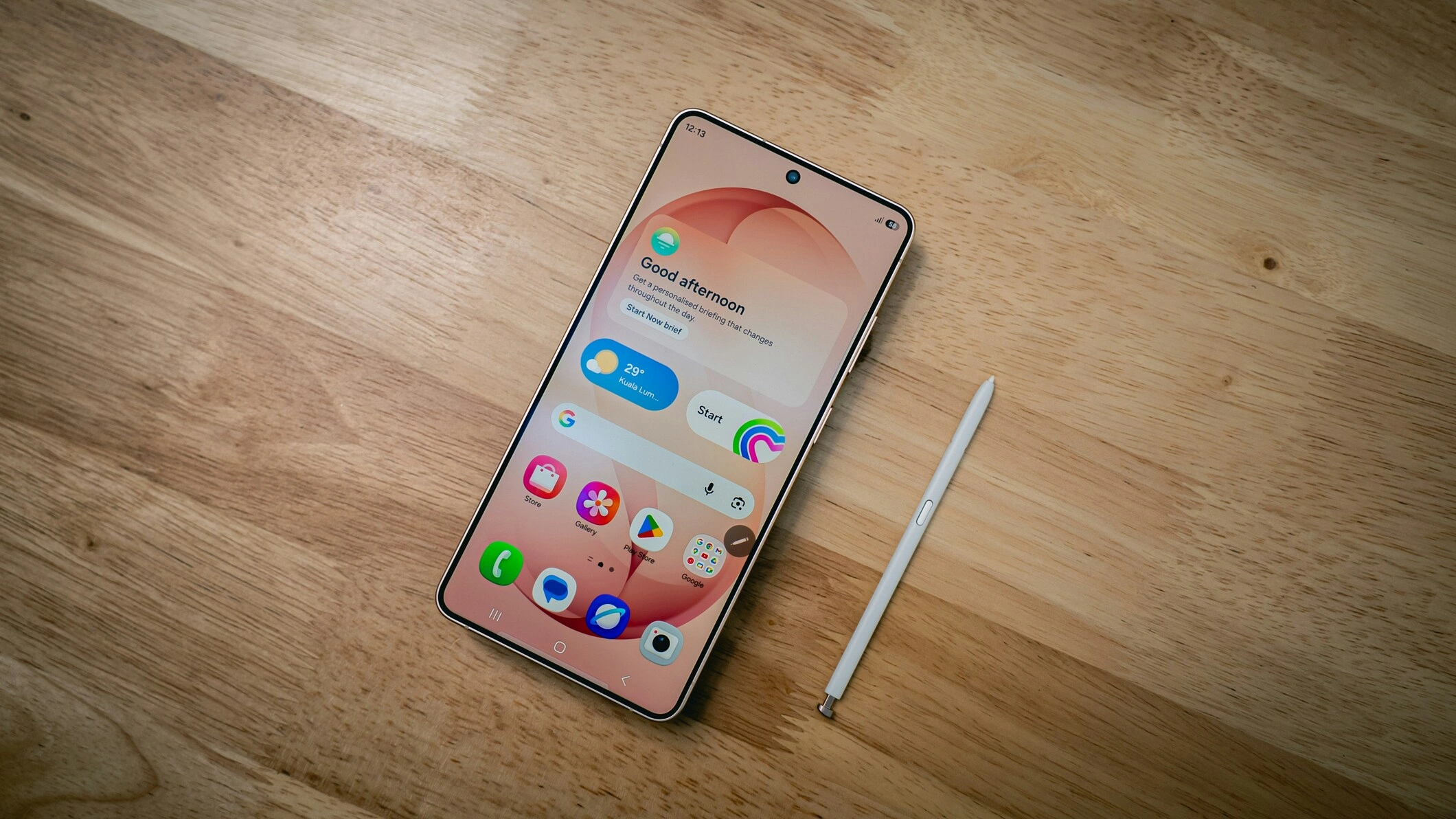
Samsung Galaxy S22
Mis à jour en 2026

Everything you need to know about the Samsung Galaxy S22: eSIM compatibility by region (US, Europe, China, Japan), model numbers, Dual SIM configurations, and step-by-step instructions for activating your travel eSIM without roaming charges.

Compatible models

  • Samsung Galaxy S22 5G
  • Samsung Galaxy S22+ 5G
  • Samsung Galaxy S22 Ultra 5G

Does Samsung Galaxy S22 Support eSIM?

Yes, the Samsung Galaxy S22 has supported eSIM technology natively since its release in 2022. You can activate up to 2 eSIMs simultaneously and store 4 profiles on the device, making it ideal for combining your primary line with a travel eSIM without replacing your physical SIM card.

Specifications

2

eSIMs that can be activated simultaneously

4

storable eSIM profiles

2022

Year of release

Use an eSIM while keeping a physical nano-SIM (Dual SIM depending on operator).

Travel or switch carriers easily without replacing your SIM card.

Find an eSIM for your next destination

What should you do before installing an eSIM on your Samsung Galaxy S22?

Before installing an eSIM on your Samsung Galaxy S22, check these important points:

  1. 1

    The Samsung Galaxy S22 is unlocked (unlocked for all carriers).

  2. 2

    Your model is not a specific "Mainland China" model (eSIM restrictions may apply).

  3. 3

    Your Android version is up to date (Android 13+ minimum) to ensure maximum compatibility.

  4. 4

    Install the eSIM via our app, which guides you step by step.

  5. 5

    Activate your eSIM with an Internet connection (Wi-Fi or data) to avoid any blockages.

You might also want to check out

Check out other eSIM-compatible devices in the same series.

Do you have another device?

Instantly check if it supports eSIM technology.

Frequently asked questions about the Samsung Galaxy S22 and eSIM

Yes: the Samsung Galaxy S22 is fully compatible with eSIM and works perfectly with our app that sells eSIMs. You can download, purchase, and install your eSIM directly through the app.

Yes, if your carrier and model allow it. the Samsung Galaxy S22 supports the "nano-SIM + eSIM" (Dual SIM) configuration in many countries. This allows you to keep your primary number while adding an eSIM, for example for travel.

The validity period of an eSIM depends on the plan chosen and the activation method. In general, it begins when you first connect to the local operator's network. To ensure a smooth trip, we recommend activating your eSIM one week in advance. This will allow you to verify that everything is working properly and avoid any unexpected issues.

You can activate up to 2 eSIMss on the Samsung Galaxy S22. However, it can store up to 4 eSIM profiles.

Go to your Samsung Galaxy S22 in Settings → Network & Internet → SIM & mobile network → Add an eSIM plan. If this option appears, your Samsung Galaxy S22 is eSIM compatible. If not, check that your Android version is up to date and that your device is unlocked.

Yes: the Samsung Galaxy S22 is fully compatible with travel eSIMs. Buy an eSIM for your destination from our app, activate it before departure and keep your main SIM active: you use mobile data abroad without roaming charges while keeping your number.

No: travel eSIMs are linked to the device on which they have been installed. Once activated on the Samsung Galaxy S22, an eSIM cannot be moved to another phone. If you change handset, you will need to purchase a new eSIM for your new phone.

Yes: unlike a physical SIM, an eSIM cannot be removed or cloned in the event of theft. Its activation requires cryptographic authentication with the operator, and the data is stored in a secure chip embedded in the Samsung Galaxy S22, making SIM swapping attacks considerably more difficult.

Yes, if you switch to an eSIM with your main operator, your number is retained: your operator provides you with a QR code to scan from the the Samsung Galaxy S22 settings. Travel eSIMs in our application do not contain a phone number: they are used for mobile data only, and complement your main line.

The eSIM remains associated with the lost device and cannot be transferred. Block your phone and contact your operator to suspend your main line. For a travel eSIM purchased via our application, contact our customer support team, who will examine your situation on a case-by-case basis.